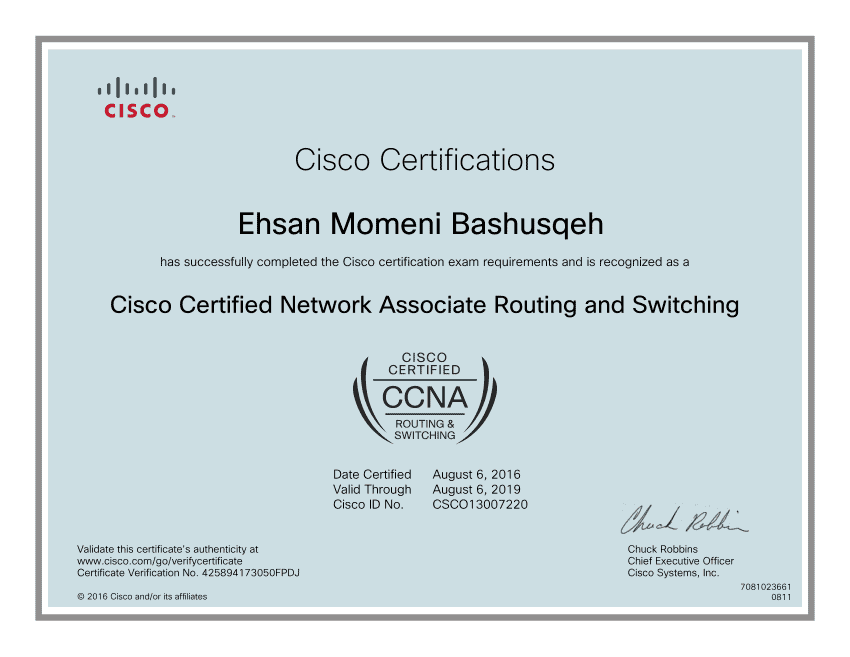
Cisco Systems, Inc. is multinational technology company based in San Jose, California, USA.
Leonard Bosack and Sandy Lerner are the Co-founders of CISCO. Chuck Robbins is the CEO & Chairman of CISCO. It was founded in 1984 and is known for its networking products and services. Cisco offers a wide range of products including routers, switches, security products and collaboration tools, which are used by organizations to build and maintain their networks.
The Company’s technology is used in various industries including education, healthcare, finance and government. Cisco is considered one of the leading players in the technology industry, and its products and services are used by customers around the world.
Number of employees working in CISCO as per the recent data of year 2022 is around 83,300.
Project Management Professional (PMP)® is the world’s leading project management certification. Now
including predictive, agile and hybrid approaches, the PMP® proves project leadership experience and expertise in any way of working. It supercharges
careers for project leaders across industries and helps organizations find the people they need to work smarter and perform better.
Take the PMP® certification exam at home or in your office,
when it fits your schedule. Learn more about the online proctored exam and how to prepare for the current exam.
Research indicates that employers will need to fill nearly 2.2 million new project-oriented roles each year through 2027. This means skilled project managers are in high demand. The PMP certification is designed by project professionals, for project professionals and validates that you are among the best—highly skilled in:
PMP certification validates that you have the project leadership skills employers seek. The new PMP includes three key approaches:
Tony Chester
Robert Prickett
Jay Johnson
Q: How do I create a CertMetrics account?
A: Once you create a Pearson VUE Juniper Networks account and register for an exam, a CertMetrics account is created for you automatically. You will receive an email notification with instructions to log in to your CertMetrics account within a few days.
Q: How do I access my CertMetrics account?
A: For candidates who have previously set a password, use the ‘Forgot Password or CertMetrics ID’ link on the CertMetrics login page to access your account.
For candidates who have never accessed CertMetrics, use the ‘Never logged in before?’ link on the CertMetrics login page to access your account and set your password. You will use the ‘By email address’ field during this process.
Q: Where can I find my CertMetrics ID?
A: Your CertMetrics ID is located at the top of your CertMetrics account on the right side. Your CertMetrics ID starts with ‘JPR’.
Q: How do I update my personal information in CertMetrics?
A: You can update all of your personal information, except your name, by logging in to your CertMetrics account. Go to the ‘Profile’ section of your account to update any of your personal information. Select ‘Update/Confirm’ at the bottom of this page to save your changes.

+91 9355388004